[WIZE] What's new: Dark Mode, Airtable, Starter plan + more
Quick housekeeping before we get into it: we renamed the "Docs" section to Help. Same content, easier to find. You can reach it at wizenow.com/help. Old links redirect automatically. Moving on.
Also, a personal comment. I’m addicted to recurring tasks. What good ones have you set up?
Now, the important stuff.
Dark Mode is here.
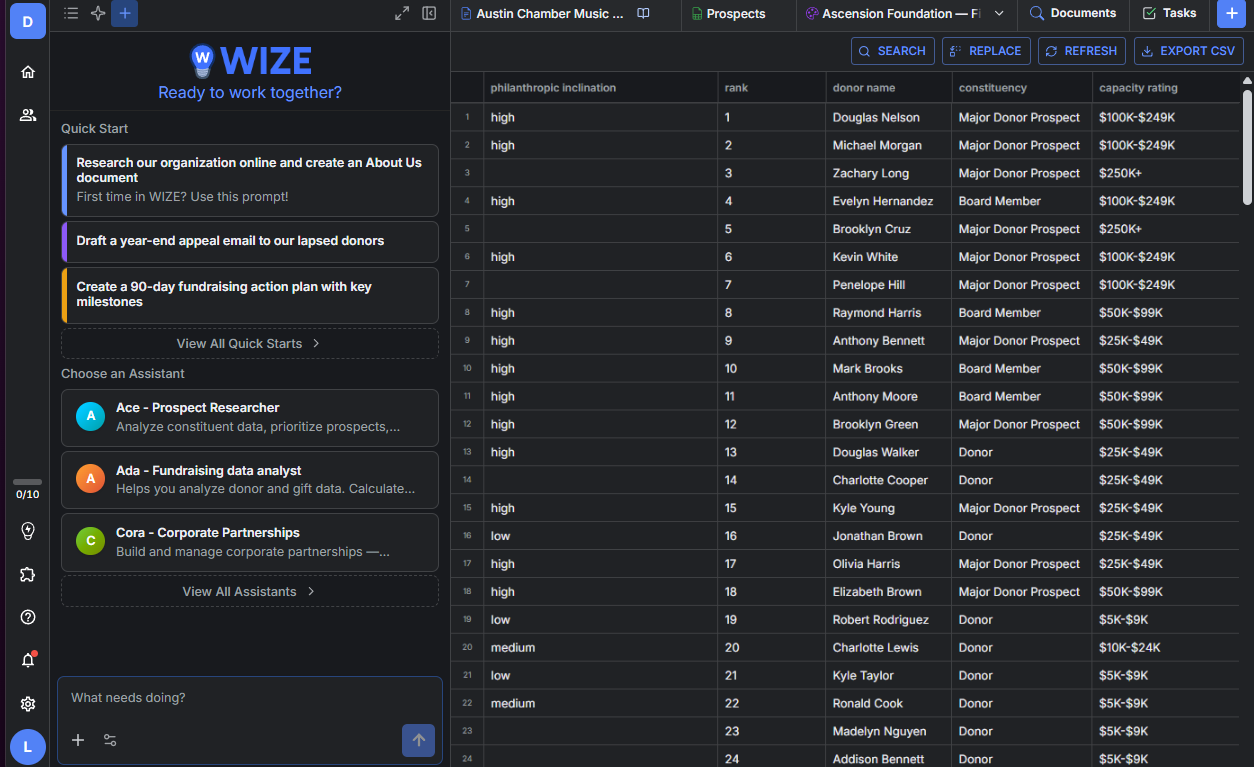
If you've been staring at a white screen at 7am before your first coffee, or at 11pm after a board meeting, you're welcome. Dark Mode is live. To turn it on: [Settings → Appearance → Dark].
Some of you will use it because it's easier on your eyes. Some of you will use it because it looks cool. We support both reasons.
New plans, new entry point
We added a Starter plan at $8/month: a lower-cost tier between the free trial and the Individual plan, with self-serve signup and instant access. If you've been recommending WIZE to a colleague who's been on the fence about the price, now's a good time.
Starter users see a simple usage meter as they work, and an upgrade prompt when they hit the limit. No surprises.
One more thing on plans: Blackbaud Raiser's Edge NXT is now reserved for Plus plans and up. If you're on Starter and need RE NXT, the integration card will tell you exactly which plan to upgrade to.
WIZE can work with more of your data now
Three new integrations shipped this cycle:
Airtable. Connect an Airtable base and sync a table directly into a WIZE spreadsheet. WIZE can read and query it. Useful if you're managing prospects, volunteers, or event data in Airtable and want WIZE to help you work with it.
VolunteerHub. New read-only CRM connection for volunteer records, events, and groups. If your organization runs a serious volunteer program, WIZE can now see it.
Google Drive (expanded). WIZE could already read Google Docs and Sheets. Now it reads PDFs, images, and spreadsheets stored in Drive too. It can list and read any tab of a Sheet, not just the first one. And if WIZE needs a file it wasn't given, it asks with a one-tap access request instead of just failing.
A few things that quietly annoyed you are now fixed
Long chats used to break. Now they compact and keep going automatically. No action needed.
Recurring tasks assigned to WIZE now run on schedule, not immediately when created.
Email drafts no longer occasionally show raw HTML code in the message body. (We know. We're sorry.)
Asking WIZE to undo a change to a design or spreadsheet now gives a real response instead of silence.
Team invites no longer error out when the invite email has a hiccup on send.
Due-today reminder emails were intermittently failing for about four weeks. Fixed.
The Memories tab no longer mixes in board memories — it now shows only Organization and Your Account memories, so filters and counts actually make sense.
That's this week’s update. If something in here prompts a question or you want to walk through any of these features, reply here or book time with us.
(You can also tell WIZE to report issues and we’ll work on it asap. Just ask: “WIZE, please report this issue…”)
More soon.
~ Louis